
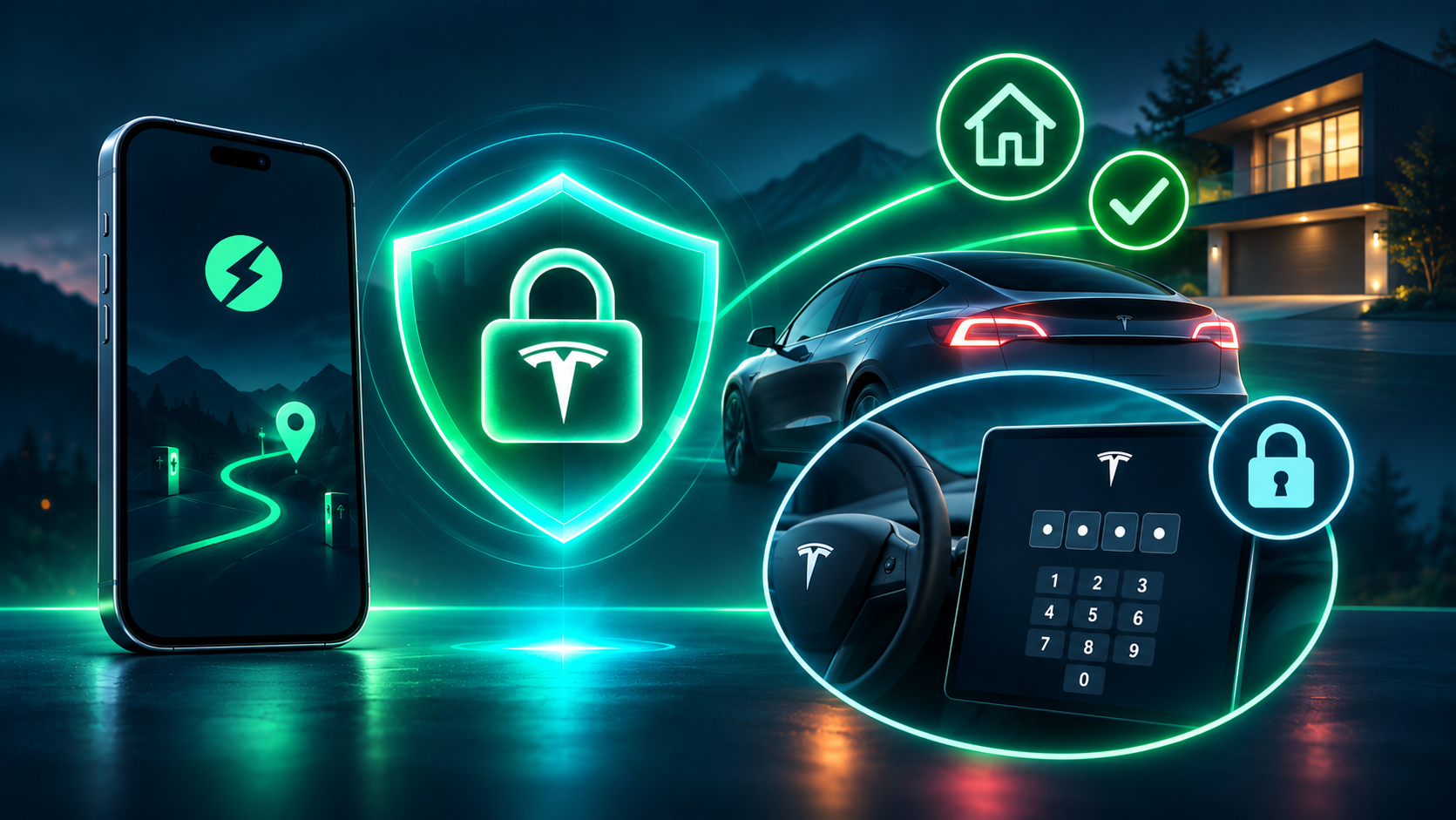
A Tesla has no key to turn. You sit down with your phone in your pocket and drive off. It's one of the nicest things about the car.
The flip side is that the car accepts the key without caring who's holding it. If someone gets your phone or key card, they can simply drive away.
Tesla has an answer for this: PIN to Drive. Without the 4 digits, the car won't move. The key alone is no longer enough.
The price is entering the PIN every time you set off, including from your own garage, ten times a day. That's exactly why it's easy to turn off and never turn back on. And a PIN that's off protects nobody.
The idea
Tesla offers PIN to Drive as on or off. EVStick adds the missing third option: on everywhere, except in the places you choose.
You set it up in the new Security tab in the bottom menu:
- Turn on PIN to Drive, enter 4 digits and tap Save.
- Choose where it shouldn't be asked for: Home, Work, Favourite places.
- Under the switches you'll see a list of the exact places without a PIN, and you can change the addresses from there.
From then on, EVStick checks where the car is every 5 minutes. If it's parked within 200 metres of a chosen place, the PIN comes off. If it has left, the PIN goes back on.
What a day looks like
In the morning you're at home and you just drive off. Once you're out of the zone, EVStick turns the PIN on while you're still driving. At the shopping centre car park the car now asks for it: if someone gets hold of your key there, they won't get far. In the evening you come home and park, and within a few minutes the PIN comes off, so the next morning you just sit down and go.
The rule behind it all
If we can't say for certain that the car is in a place you chose, the PIN stays on.
That shows up in a few specific decisions:
- The PIN only comes off on positive confirmation. No position, or the car has moved since the last one, means it stays on.
- The zone is tight. 200 metres covers a parking spot on the next street, and every extra metre is ground a stranger could drive off from without a PIN.
- The PIN is stored encrypted. We need it to send to the car, so it's kept under the same separate encryption as your Tesla access, and it's never displayed anywhere.
- It's only on if you want it. Until you set it up, EVStick sends no PIN commands to your car.
The honest part
This is a trade-off, not magic. Here's what you should know before turning it on:
- In the chosen places the car has no PIN. Anyone with a key can drive it there. At home that's an acceptable risk for most people, but at a shared company car park it may not be. Choose deliberately.
- Turning on isn't instant. It takes up to about 5 minutes for us to notice you've left, and up to about 25 for cars that don't send data continuously. If you stop right after setting off, the PIN may not be on yet.
- It needs a connection. A car with no coverage won't get the command until it has signal again. The same goes if our service stops: the PIN stays in its last state, and that may be off.
- Not every car reports its position regularly. The exceptions then don't apply and the PIN stays on everywhere. The app will warn you.
- EVStick sends these commands by itself. This is the one case where the car gets a command without you tapping a button, and only if you've turned the feature on.
- Account access is enough to change it. Anyone signed in to your EVStick can change or turn off the PIN. So protect your Tesla account with two-factor authentication.
- A new PIN replaces the old one. What you enter in EVStick becomes the car's PIN and replaces any previous one. Write it down.
Who it's for
Anyone who wants the protection of PIN to Drive but gave up on it because of entering it every time. A PIN everywhere except your garage beats no PIN at all.
You'll find it in the Security tab in EVStick. You need a connected Tesla with an approved virtual key.
Got a question? Write to us at hello@evstick.com.