
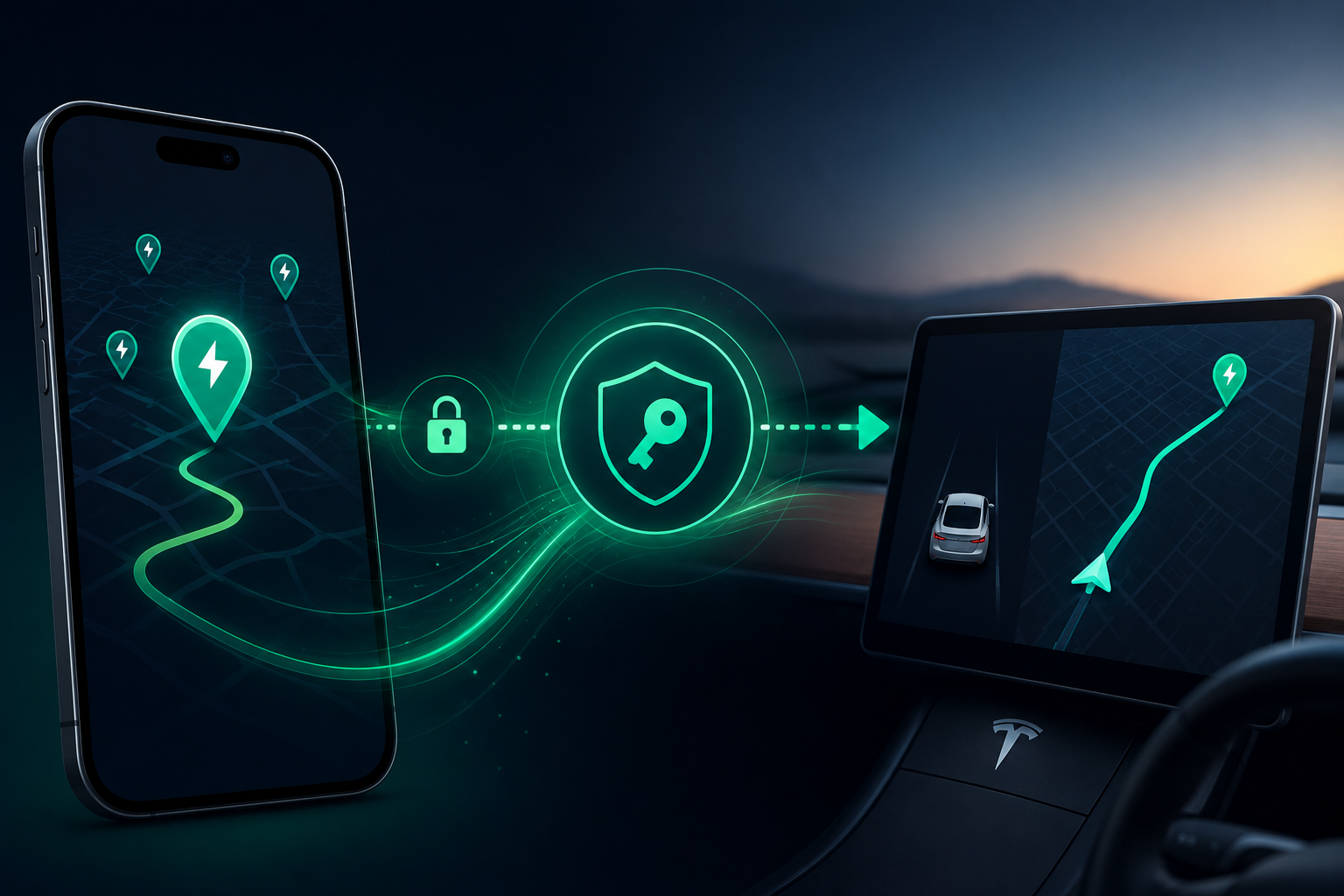
If you've tried connecting your Tesla to EVStick, you've probably seen a request to approve a "virtual key" in the Tesla app — and it's completely reasonable for that to give you pause. Here's exactly why that step exists, where it comes from, and what it actually does (and doesn't do).
This is based on an explanation I gave directly in a Tesla owners' community after the topic came up there — I expected it would make quite a few people uneasy, so it's worth having written down in one place.
The problem EVStick solves
The core idea behind the app is simple: you find a charging station in EVStick, tap the arrow next to it, and it shows up directly as a route in your car's own navigation — with an accurate prediction of what battery percentage you'll arrive with.
That last part — the arrival battery-level prediction — is key and worth stating explicitly: no third-party app can, or ever will, estimate your arrival battery level better than Tesla itself. The car has access to data no external app can reach — the actual battery state, temperature, consumption history. That's why EVStick doesn't try to calculate this itself — it sends the station straight to Tesla's built-in navigation, and the car does the math.
Why a key is needed for this to work
To send a location to your car's navigation, EVStick has to send a command — not just read data. And to send commands to a car that isn't yours (in the technical sense — EVStick is a third party), Tesla requires the owner's explicit permission. That's exactly what the virtual key is.
Without it, the only thing you could do in EVStick is look at charging stations — not send them to your car with a single tap.
The only official way — the Fleet API
There are only two ways for a third-party app to talk to a Tesla:
- A physical device (dongle) installed in the car, listening to / sending CAN bus signals directly from the onboard electronics
- The Fleet API — the official, documented way Tesla itself recommends for third-party apps to communicate with the car
EVStick deliberately chooses the second path — no dongle, no hardware you have to install yourself. The Fleet API allows both reading data (battery, location) and sending commands (like sending a destination to navigation) at the same time — but sending commands requires exactly that permission, the virtual key.
Worth noting on the cost side too: using the Fleet API isn't free for the developer — EVStick pays Tesla a fee for every user who connects their account. It's not a formality with no cost on our end.
What EVStick does NOT do
This is the moment to address the concern directly: EVStick never communicates with your car directly. All communication goes through Tesla's own servers, via the Fleet API. EVStick sends a request to Tesla, Tesla sends the command to the car over its own secured channels — exactly the way Tesla's own official app does it.
Tesla has taken the necessary security measures for its vehicles at the infrastructure level — EVStick doesn't bypass that protection, it works through it, via the one path Tesla itself has opened up for third-party apps.
In short
The virtual key exists for one specific, useful feature — a single tap sends a charging station straight into your car's navigation, with a prediction accuracy only Tesla itself can provide. No dongle, no direct connection to the car, no bypassing its security — just the official, documented path through which Tesla lets apps like EVStick work.
If you have more questions on the topic, write to us at hello@evstick.com.