You’re traveling through Bulgaria in your Tesla and need to charge along the way.
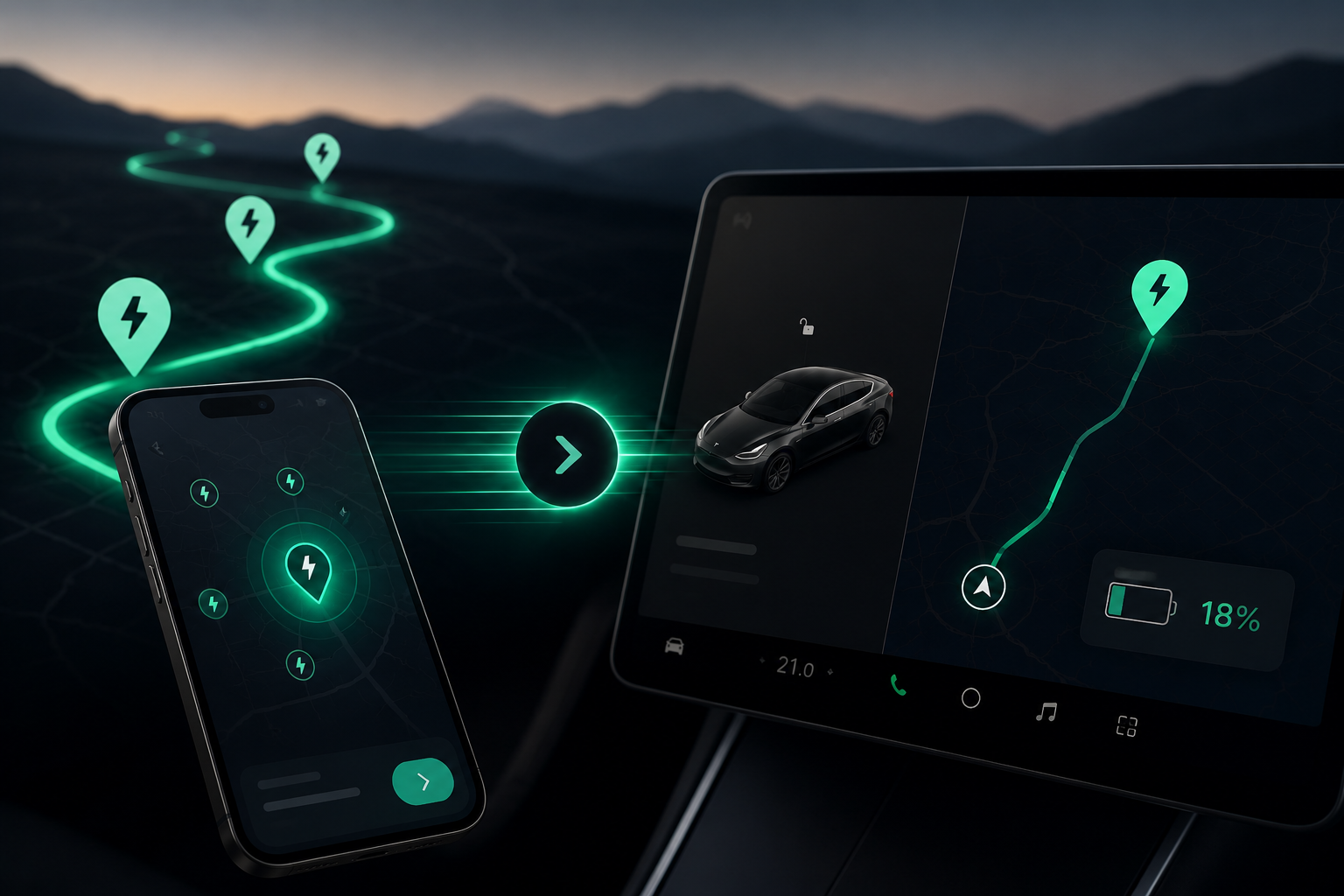
EVStick helps you quickly find a suitable charging station along your route and send it directly to your Tesla’s navigation.
You can use EVStick directly from the browser in your Tesla or from your phone. Choose a station, send it to your car, and keep going.
Find. Send. Keep going.
Set your destination, and EVStick shows you the charging stations that make sense for your route.
Choose a station and tap Send to Tesla.
It appears in your car’s navigation, and Tesla recalculates the route and shows you how much battery you’ll have when you arrive.
This gives you the best of both worlds:
a wide choice of charging stations across Bulgaria + your Tesla’s navigation and battery arrival estimates.
In the car or on your phone
If you’re already in your Tesla, you can open EVStick directly in the car’s browser, find a charging station, and set it as your next stop.
If you’re planning ahead or prefer using your phone, simply open EVStick there and send the selected station to your Tesla.
Either way, you end up in the same place — your car’s navigation.
Built for real-world travel in Bulgaria
EVStick is focused on one very specific moment:
“I need to charge somewhere along the way. Which station should I choose?”
Instead of simply browsing chargers around you, EVStick helps you find the ones that are convenient for your trip.
Choose a station. Send it to your car. Tesla takes it from there.
What about ABRP and PlugShare?
ABRP is an excellent tool for detailed planning of your entire EV journey.
PlugShare is a great source of information and community feedback about charging stations.
EVStick is built for making a quick decision on the road: find a suitable charger along your route, send it to your Tesla, and keep going.
Simply EVStick
🔎 Find a charger along your route.
⚡ Choose the one that works best for you.
🚗 Send it to your Tesla.
From your car’s browser or your phone.
Try EVStick on your next Tesla trip in Bulgaria.
And tell me just one thing: